
Six security stories, and why good humans need AI working on their side
Bad actors were always going to put AI agents to work.
Five security stories broke on October 21 that caught my attention plus an OpenCode breach that was disclosed four days earlier.
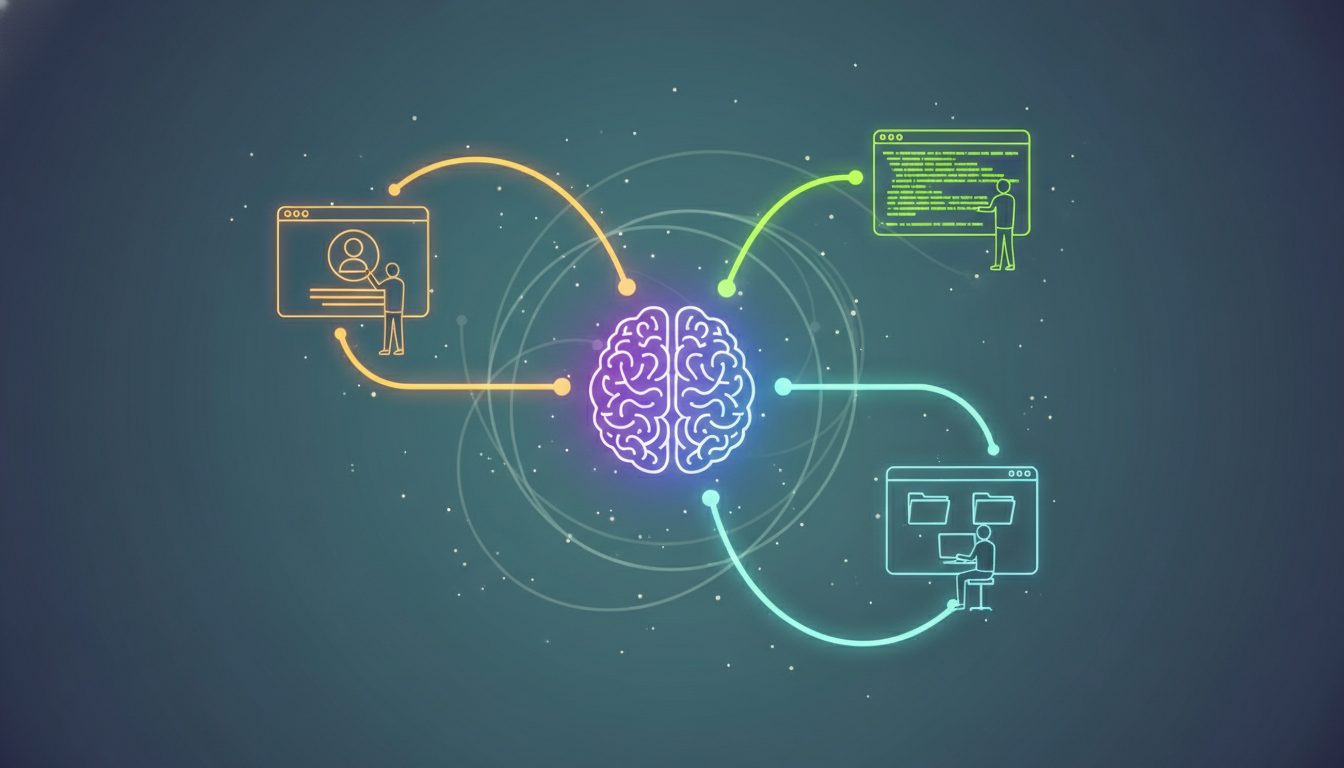
The answer I see is good humans with AI. For companies managing a tech stack, defensive agents running 24/7 are now an operating requirement. They belong in the operating budget. Attackers can keep probing while your team sleeps. Your defense needs continuous coverage too. Leadership needs to decide what those agents watch, what they can act on and who responds when they find something.
The attackers are already using agents
Security firm Straiker described a group called CyberCartel using AI against more than 400 targets in Latin America, including banks and payment companies. It used commercial models at different stages to steal passwords and customer data and get into bank accounts with little human effort. Anthropic said it investigated after Straiker shared the findings and blocked the group from using Claude.
OpenCode: defending while barely sleeping
On October 21, Dax Raad, co-founder of the open-source AI coding tool OpenCode, warned other founders:
"They're not going to stop. It's going to get increasingly sophisticated and they're going to go after every surface of your system and all of your employees."
On the night of October 16, an intruder had reached a legacy OpenCode system being decommissioned. It held AI provider keys some users had saved in OpenCode Console, the company's hosted workspace service.
OpenCode disclosed the breach on October 17. About 1.4% of Console users, those with an outside AI provider linked, may have been affected. It emailed them to revoke and replace their keys. Attackers were using stolen keys to make high-volume requests to AI providers, in some cases running up unauthorized charges. Raad clarified that keys stored locally in the OpenCode app never reach OpenCode and weren't part of the breach.
Raad described both the exposure and the response:
"Any old projects you've long forgotten about will be found and used against you."
"The only reason we're surviving is because we have agents going 24/7. We're still barely sleeping."
He ended with: "Good luck, sorry you're dealing with this, but really it's a collective problem we're all facing together."
The agents were running continuously, and the people were still barely sleeping. Defenders need agents taking on more of that work so they can keep up.
Clean up the systems you've forgotten
The race is on to find and fix the systems your company has forgotten. Old applications still running, unpatched dependencies and credentials left in retired projects give attackers somewhere to start. AI gives your team a faster way to inventory that code, understand what it does and prepare repairs. Use that capacity to close the gaps before someone else finds them.
Assign an owner to each repository and application, then decide what to patch, replace or retire. Finish the retirement work: take the old system offline and revoke its access.
The biggest security risk may not be the code we write. It may be the code we trust.
Railway: replace the keys
Railway, a platform companies use to run apps, reported that someone got into the systems holding customers' API keys, database passwords and private registry credentials. Some secrets may have been decrypted.
Picture a building manager you hired to hold the master keys. Now you're told copies may have been made. Until you change the locks, anyone with a copy can walk in.
Railway believes this was one of a series of attacks on platform companies, with AI providers as the end goal. It warned those providers, paused deployments while investigating and told every customer to replace secrets and check logs, even though it believed only some customers were affected.
A stolen key works until someone revokes it. Your team needs to know everywhere that key is used so it can replace it quickly.
LiteLLM: an official download can be compromised
For about two hours, LiteLLM, an open-source tool connecting software to AI providers, served a malicious version through its official download channels. Version 1.107.0 stole credentials and installed a back door. It was the project's second compromise this year; Datadog documented the earlier attack in March.
According to LiteLLM's incident report, attackers used stolen engineer login tokens to compromise its release process. The malware left files that survived uninstalling the package. Affected teams had to remove those files, rebuild and replace every credential the systems could read.
GitLab: this is part of our operation too
We run our own GitLab, where we store and build software. We applied the October 21 patch the same day. We weren't affected by the incident.
It was GitLab's second flaw in nine days rated 10 out of 10 for severity. It let an outsider run code on a server without logging in. Patching the October 12 flaw didn't cover it: that fix addressed newer versions, while this one reached back to GitLab 7.0, released in 2014. GitLab's hosted service was already fixed; companies running their own servers needed to act.
PHP: how fast the attempts multiplied
PHP, the language behind millions of websites, had two critical flaws nicknamed PHP2Shell. They let an outsider take over a website without a password. The NSA and CERT-EU told organizations to patch immediately or take affected systems offline. That's unusually blunt guidance.
Fixes came out the same day for current versions. PHP 8.1 and older are out of regular support, though some vendors provide fixes and PHP published limited source backports. Check with your vendor or upgrade. Think about the old marketing site, the customer portal nobody checks, the test server nobody shut down or the appliance a vendor installed years ago. A few hours offline can cost far less than a breach, stolen customer data and lost trust.
Details leaked before the planned announcement, and frontier AI tools helped find the flaws.
Cloudflare CEO Matthew Prince reported that Cloudflare's network saw thousands of attempts to exploit PHP2Shell in the 10 hours before the public announcement. In the first 45 minutes afterward, that jumped to tens of thousands. Within two hours, hundreds of thousands. By the time he posted, millions.
Six jobs for defensive AI agents
CyberCartel shows attackers using AI. The breaches and vulnerabilities across these stories show the work defenders have to keep up with: finding exposed systems, patching them, replacing credentials and investigating what happened. Prince's figures put the response time in perspective. Exploitation attempts were already underway before the announcement.
AI is making code generation cheap. Knowing what deserves to be built or fixed is worth gold. Which application should we retire? Which dependency puts customer data at risk? Which agent would actually reduce the workload? Generating more code won't answer those questions for you. Getting those decisions right determines whether AI reduces your exposure or adds to it.
That workload is my case for defensive agents. Give them the finding, matching and monitoring, with people responsible for decisions such as taking a business-critical system offline or approving a key revocation.
I would start with six focused jobs:
- Watch for patches. Match emergency advisories against the systems you actually run. Identify affected versions, prepare the fix and check afterward. A person decides whether to take a system offline.
- Prepare key replacements. Track where keys live, their age and signs of exposure. Prepare replacements, identify every app using the old ones and record the work. Revocation needs a person's approval or a policy set in advance.
- Check software updates. Compare a release with the version you approved and check its digital fingerprint before deployment. Hold unapproved or mismatched downloads for review.
- Watch spending. Watch AI provider usage, flag a spike at 2 a.m. and enforce the spending limit on the affected key. OpenCode's incident shows why stolen credentials are also a billing problem.
- Find forgotten systems. Find the legacy console, abandoned project or outdated website. Put an owner and a retirement date next to each one. Retirement plans don't remove access; someone has to finish the work.
- Triage incidents. Gather logs, preserve evidence and draft the status update. Isolate affected systems within an approved scope. Revoking everything, deleting data or taking a business-critical system offline still needs a person's approval.
Each agent needs boundaries: approved information and tools, only the access its job requires, the AI models your organization allows, a spending budget and a record of every request, answer and action. An agent with master keys and unrestricted access is another privileged system you have to defend. Review what it can do and what it produces before putting it into production.
Five questions leadership should be able to answer
Use these questions to decide where to start:
- Do we know every system we run and who owns it, including old websites, test environments and projects from teams that moved on?
- Who holds our keys, and could we replace them in hours if a supplier were breached tomorrow?
- Can we apply an emergency patch outside the normal planning cycle?
- What AI tools are staff using, including the ones they signed up for themselves, and what data or keys do those tools hold?
- Who is watching when we're not?
If the answers are missing, assign someone to get them.
Put the operating structure in place
That's why we built AgentShelf the way we did. Each agent gets its own workspace, bringing its instructions and the controls above together with visibility into usage. You build, deploy, reuse and govern agents from one place.
We hold our own infrastructure to the same standard. We've invested heavily in security infrastructure and monitoring to prepare for these threats. Our CTO, Edgar Joya, deserves the credit for that work.
If you want to dig into how we and our clients are using defensive AI agents to identify threats and fend off attacks, reach out. We'd be happy to walk you through it.
Appendix: for your IT team
- PHP (PHP2Shell, CVE-2026-109618 and CVE-2026-109619). Patch to 8.5.12, 8.4.27, 8.3.36 or 8.2.35, including old sites and vendor equipment. For PHP 8.1 and older, check for a vendor-supported fix or upgrade. PHP also published minimal source backports for 7.4, 8.0 and 8.1. If you cannot apply a fix, isolate the affected system.
- Railway. Rotate every stored environment variable and private registry credential, and review logs at the services those keys unlock.
- LiteLLM 1.107.0. Check lockfiles, caches and image digests. The malware stole cloud logins, SSH keys, browser data, AI tool settings and AI provider keys stored in LiteLLM. It ran at system startup and installed remote access. According to LiteLLM, attackers stole login tokens from three engineers and ran the project's release process against a copycat project whose name differed by one hyphen. Remove the dropped startup files, which survive package removal, rebuild, and rotate every credential the host could read.
- GitLab (CVE-2026-110264). Self-managed installations only. Apply the October 21 fixed versions even if you already applied the October 12 fix (CVE-2026-97229).
- OpenCode Console. OpenCode described the incident as a large-scale distillation attack. If anyone received OpenCode's October 17 breach email, revoke the linked OpenAI, Anthropic and Google keys in each provider's own dashboard. Deleting them from Console isn't enough. Create replacements, update everything that used the old keys and review provider bills. Keys stored locally in the OpenCode app were not part of this incident.
- Inventory. List every system we run, what it does and who owns it.
- CyberCartel. Straiker's research, also reported by The Information, tracks the attack system as CARLIY0S. The commercial models included Claude, Grok and Kimi. Straiker CEO Ankur Shah said offense is way ahead of defense and enterprises aren't ready.
Further reading: Activist Checklist explains security in plain language, step by step, and includes a tool to check whether a device still gets security updates. It was built for activists, but its approach works for any team.