Add AI Models Without Waiting for a Release
About this video
This Short compares waiting for a product update with adding a model through the AgentShelf admin panel. The AgentShelf team adds the model and its price record, making it available in the customer model list.
A customer admin enables organization access, then team members select the model in an agent chat. The demo illustrates adding models as records without a code change or a new product release.
Illustrative demo build. “Claude Fable 5.2” is the example model name shown in the video. The video is in English.
Explore model access on the AgentShelf platformMore videos
 0:33
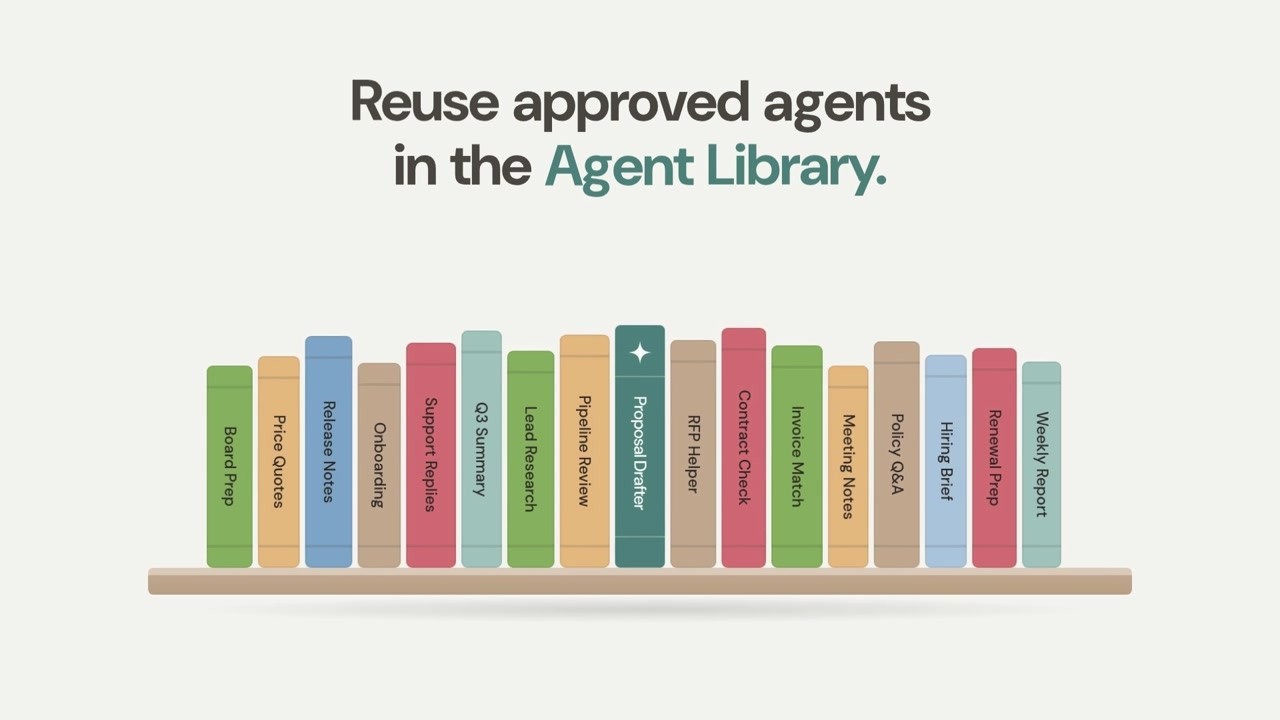
One Agent, Every Team: The AgentShelf Agent Library
See how AgentShelf turns individual expertise into reusable agents through submissions, manager approval, and organization or team libraries.
 1:59
AI workflow automation with AgentShelf
Watch the AgentShelf platform demo: build, share, and govern AI workflows with shared context, model flexibility, and enterprise controls.