How to Share an AI Agent With Other Teams
About this video
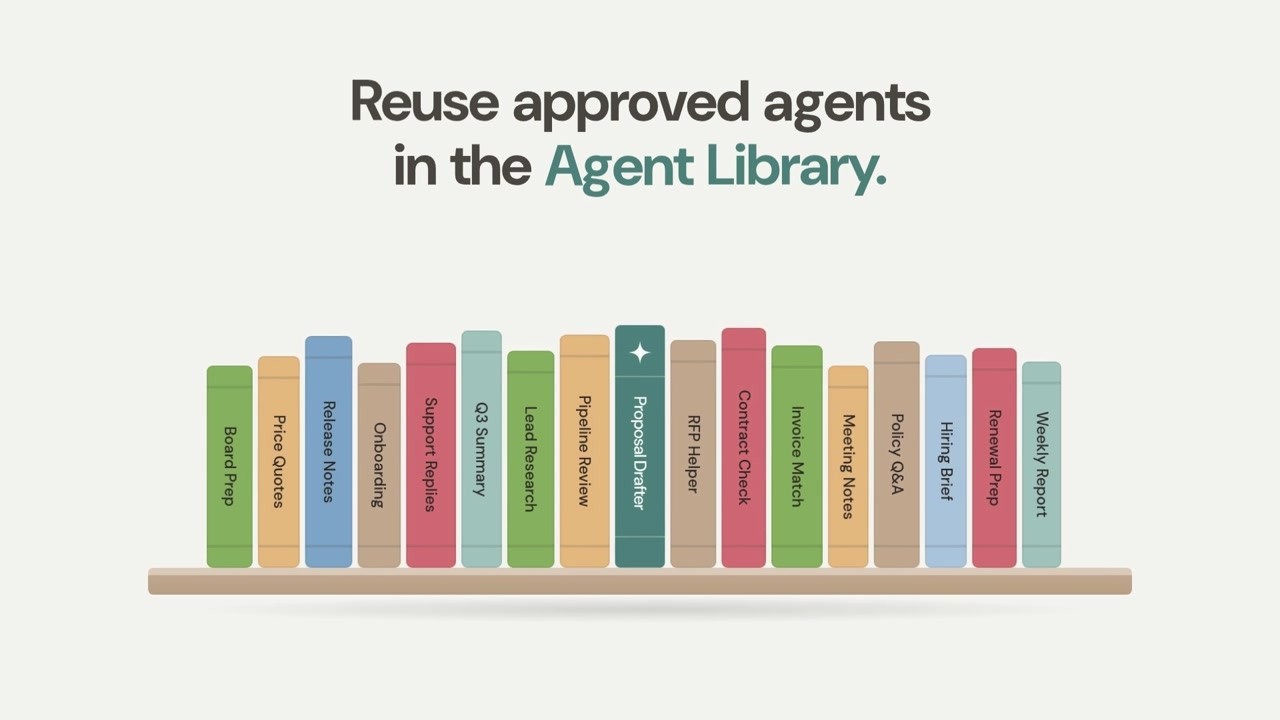
To share an AI agent with other teams, submit it to an organization or team library. A manager vets the agent and approves it before others can use it.
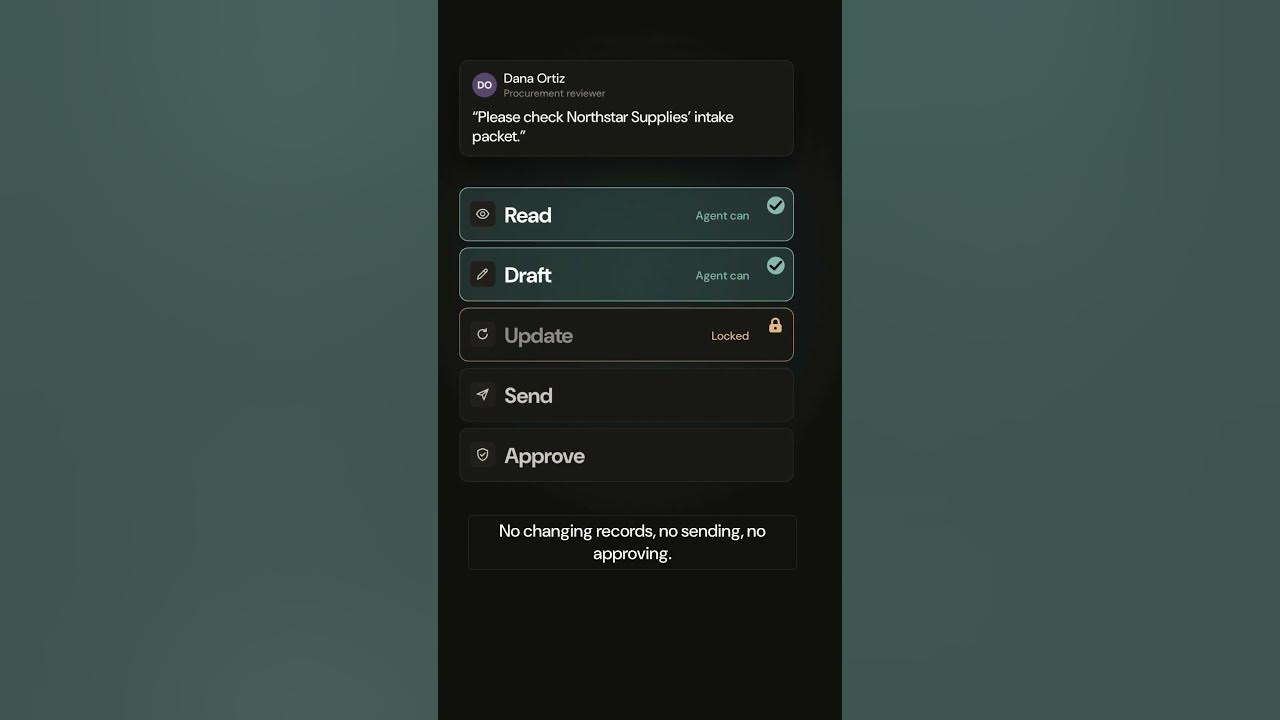
Each data source the agent connects to keeps its own permissions. Read the full guide for more on sharing agents across teams.
Illustrative demo. The business, people, and data are fictional. The narration uses a synthetic voice. The video is in English.
Read the guide to sharing AI agents across teamsMore videos
 0:33
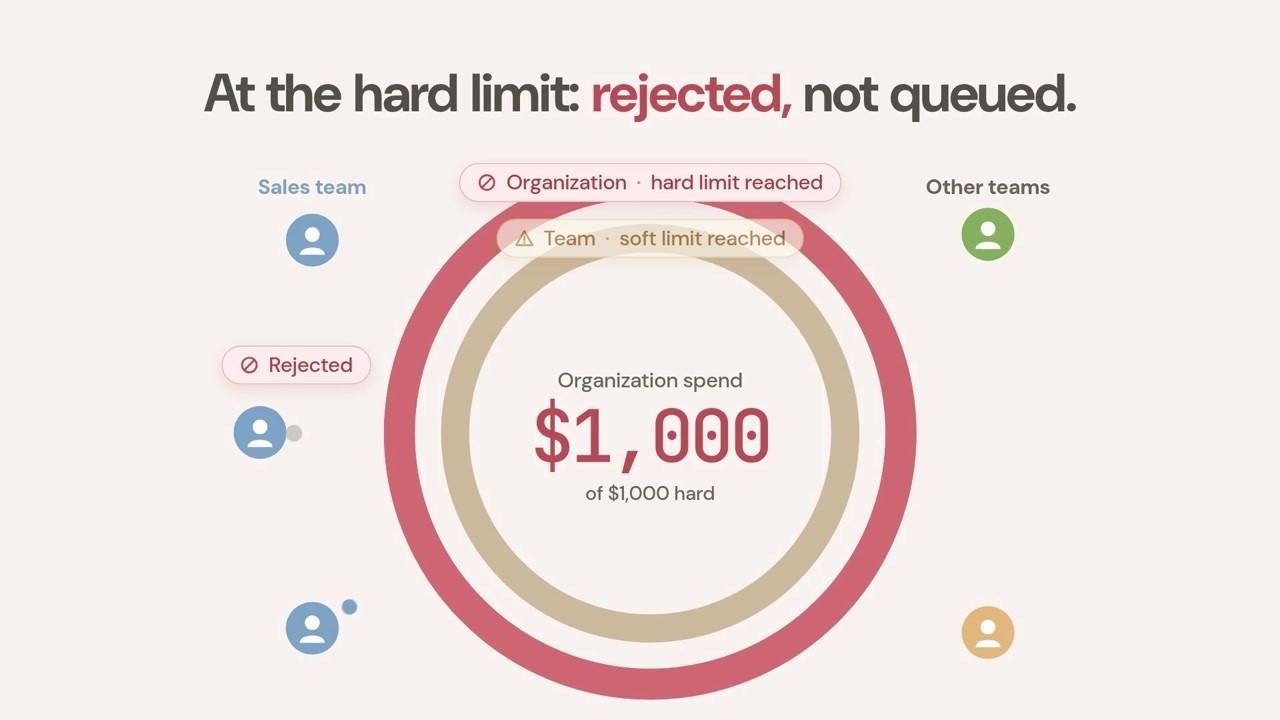
LLM Budgets Your Organization Sets: Soft and Hard Limits
See how AgentShelf LLM budgets work by organization, team, user, or widget: soft limits warn, hard limits reject new requests. A 33-second overview.
 0:33
One Agent, Every Team: The AgentShelf Agent Library
See how AgentShelf turns individual expertise into reusable agents through submissions, manager approval, and organization or team libraries.